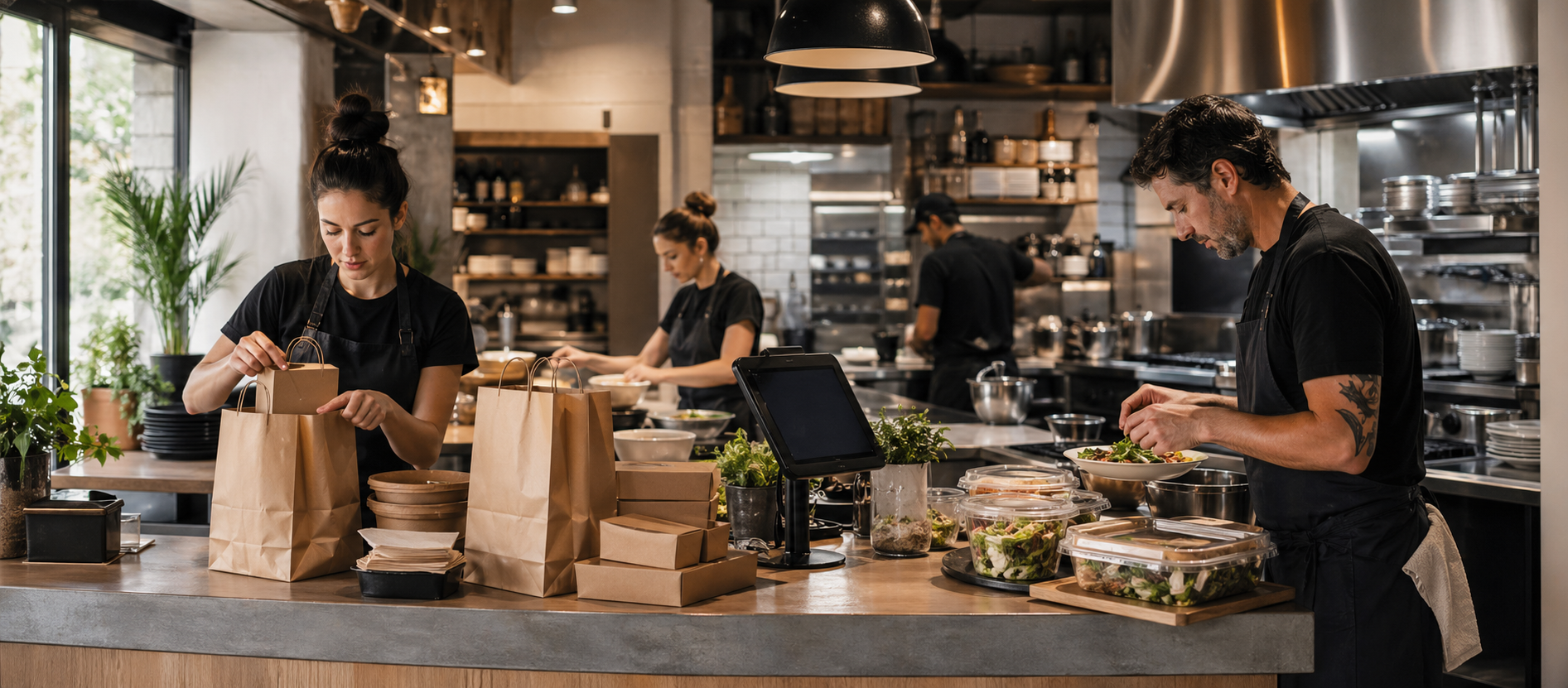
Pickup orders
Publish a branded menu and let customers choose a pickup time without calling the restaurant.
Savorria gives restaurants a clean online ordering system for website, social, and branded-link orders, so customers order direct and your team manages everything from one place.
Two mains, one side, paid online, ready window confirmed.
Savorria focuses the ordering journey around the channels restaurants actually control: website, social profiles, branded links, pickup, and local delivery.
Publish a branded menu and let customers choose a pickup time without calling the restaurant.
Set delivery areas, fees, minimums, and availability around the way your kitchen actually operates.
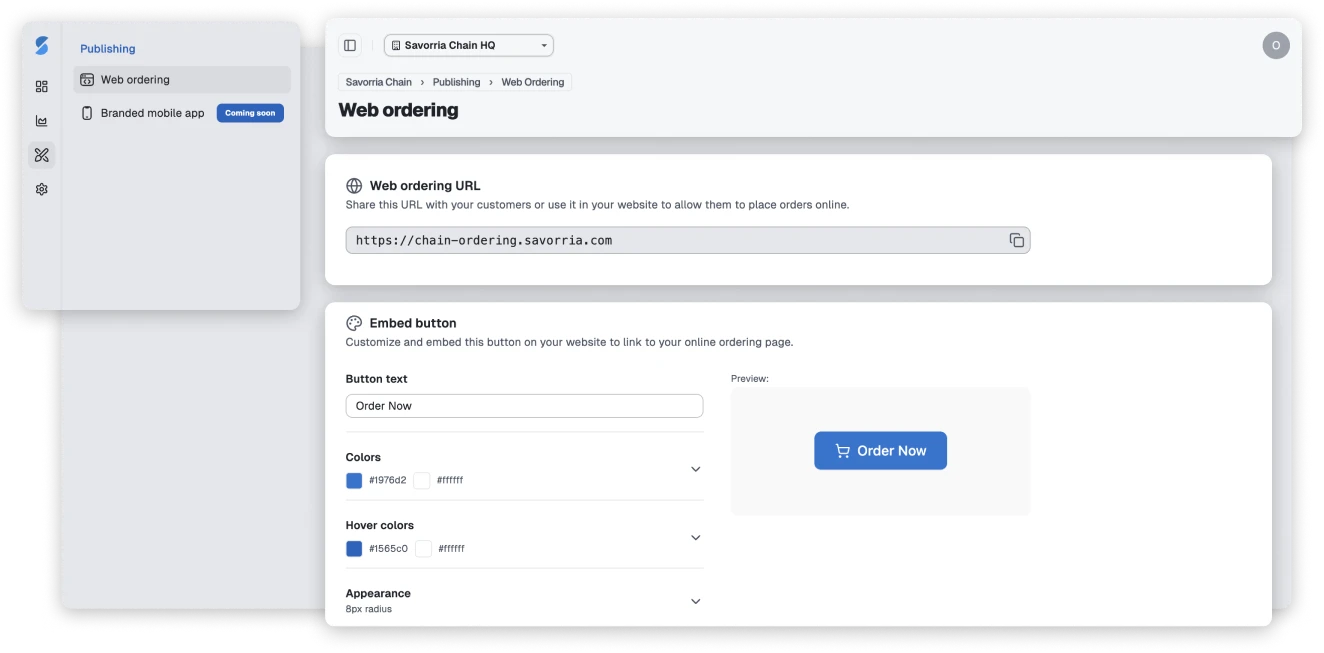
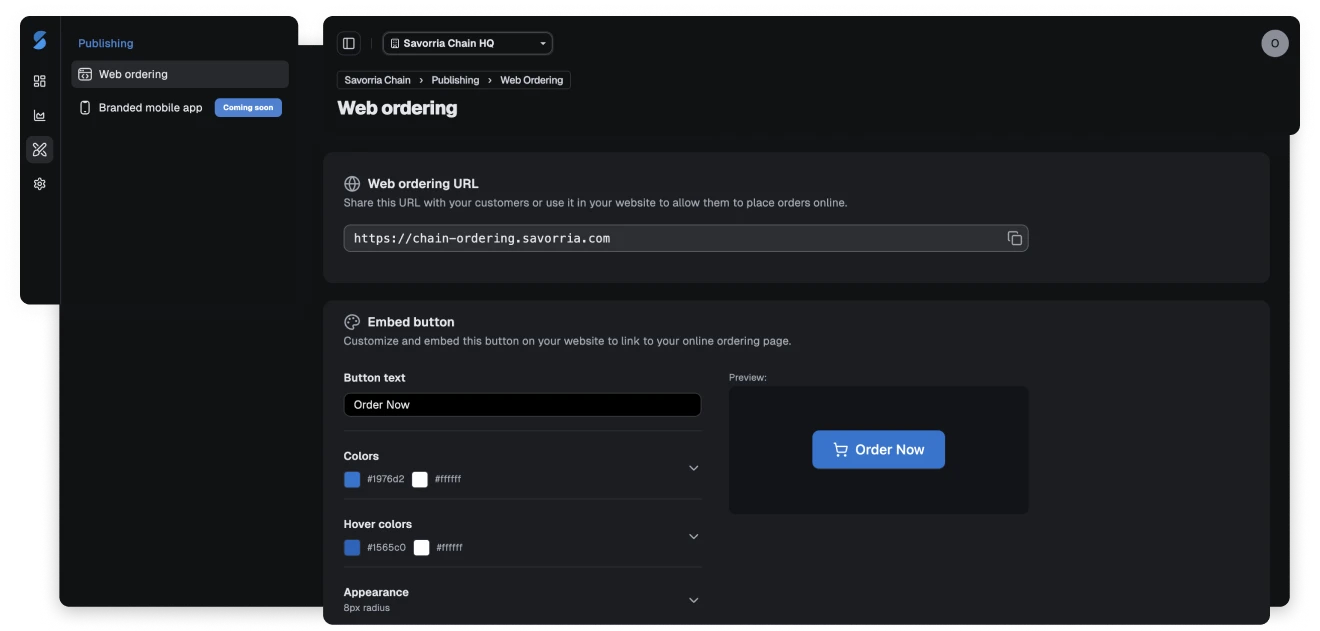
Add your order button to your existing website and keep the ordering journey under your brand.
Use one direct order link from Facebook, Instagram, Google profile, campaigns, and customer messages.
Own the channel, simplify the shift, and keep customers ordering directly from the restaurant they already know.
When online orders live inside third-party platforms, restaurants often deal with:
Savorria gives you a calmer direct-ordering path: fewer moving parts, more ownership, and less margin leaking away.
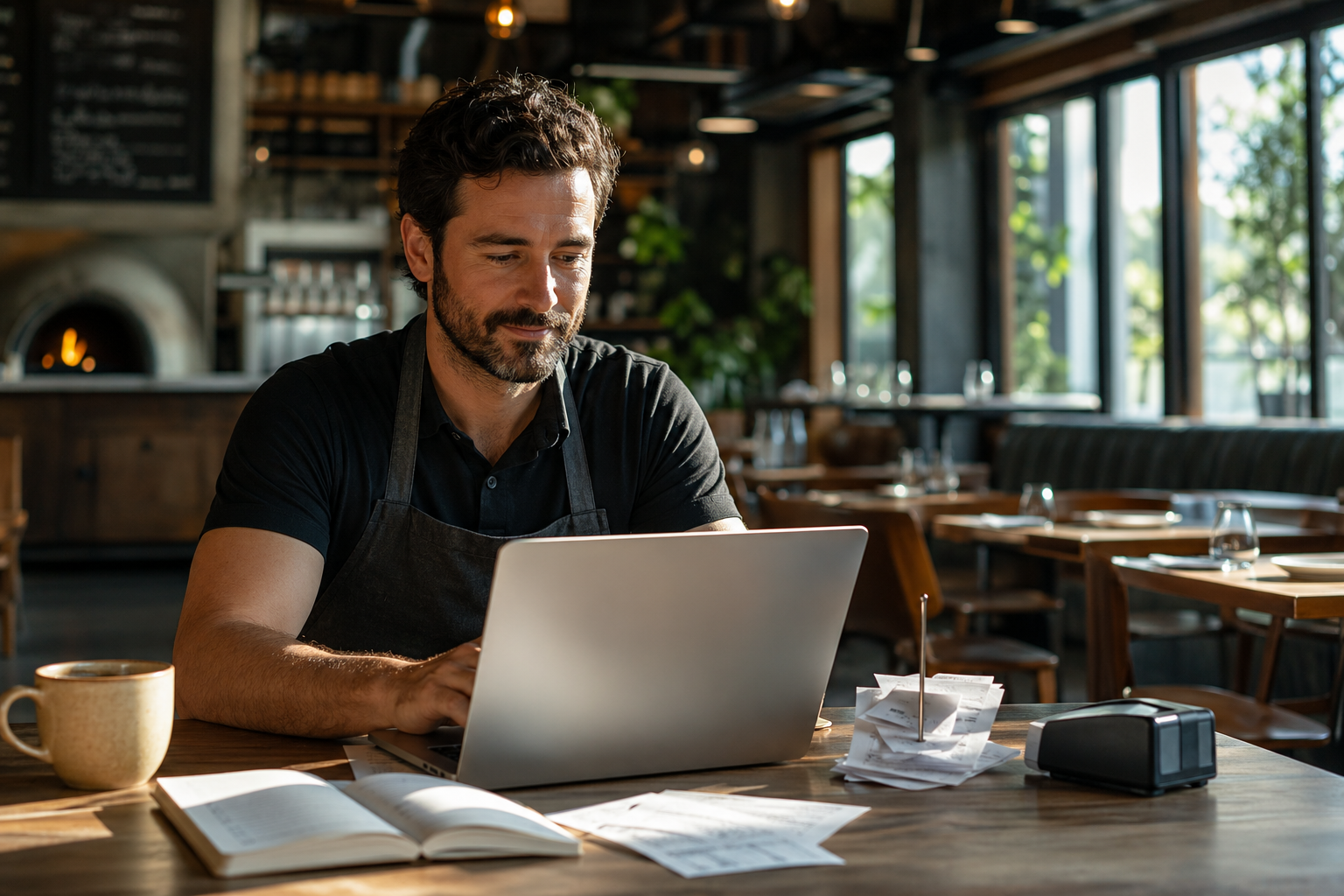
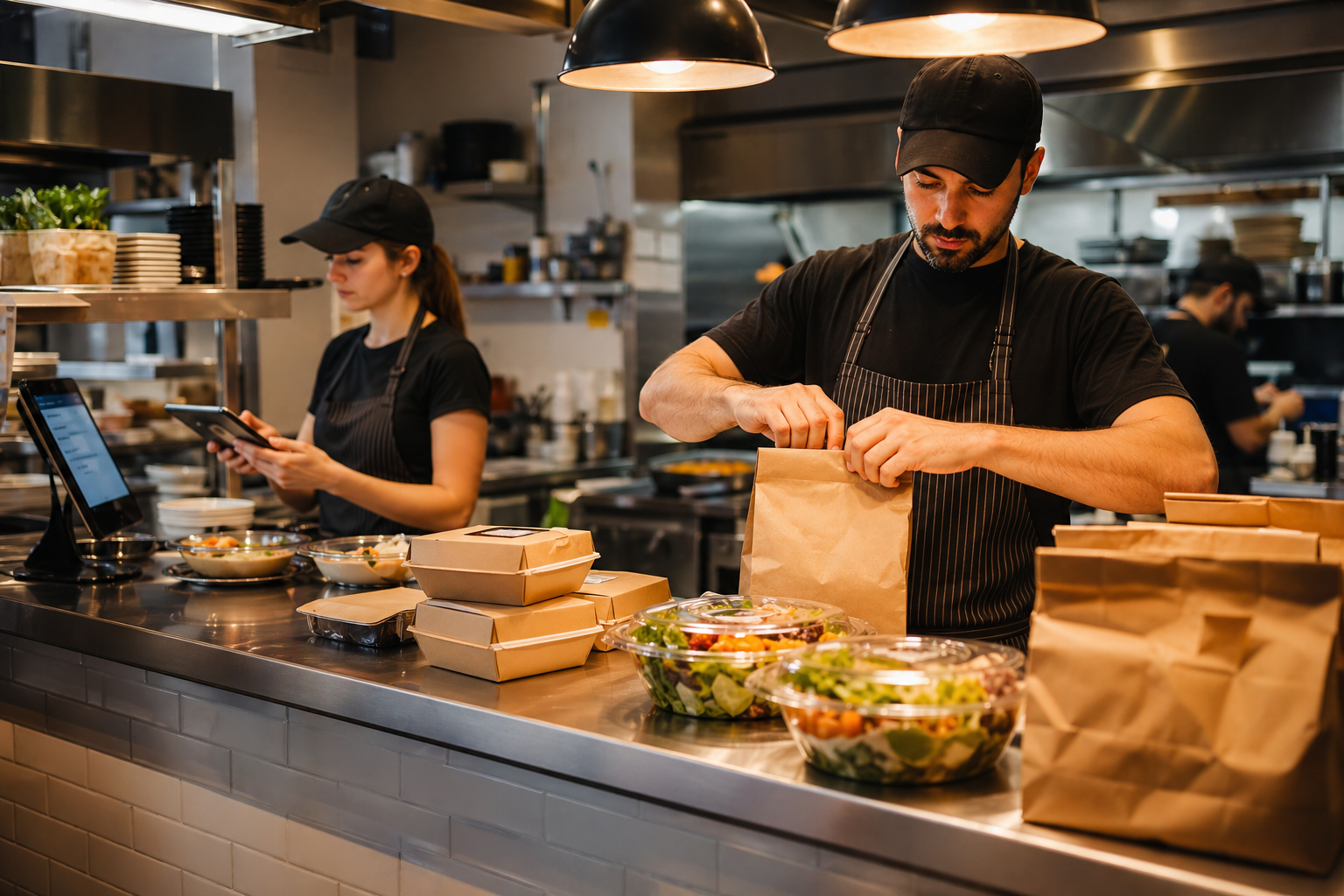
Customers can order from your website or branded link while your team manages the menu, order rules, and incoming orders from the dashboard.
You stay in control of:
No bidding for visibility. No marketplace detour. Just direct orders under your name.
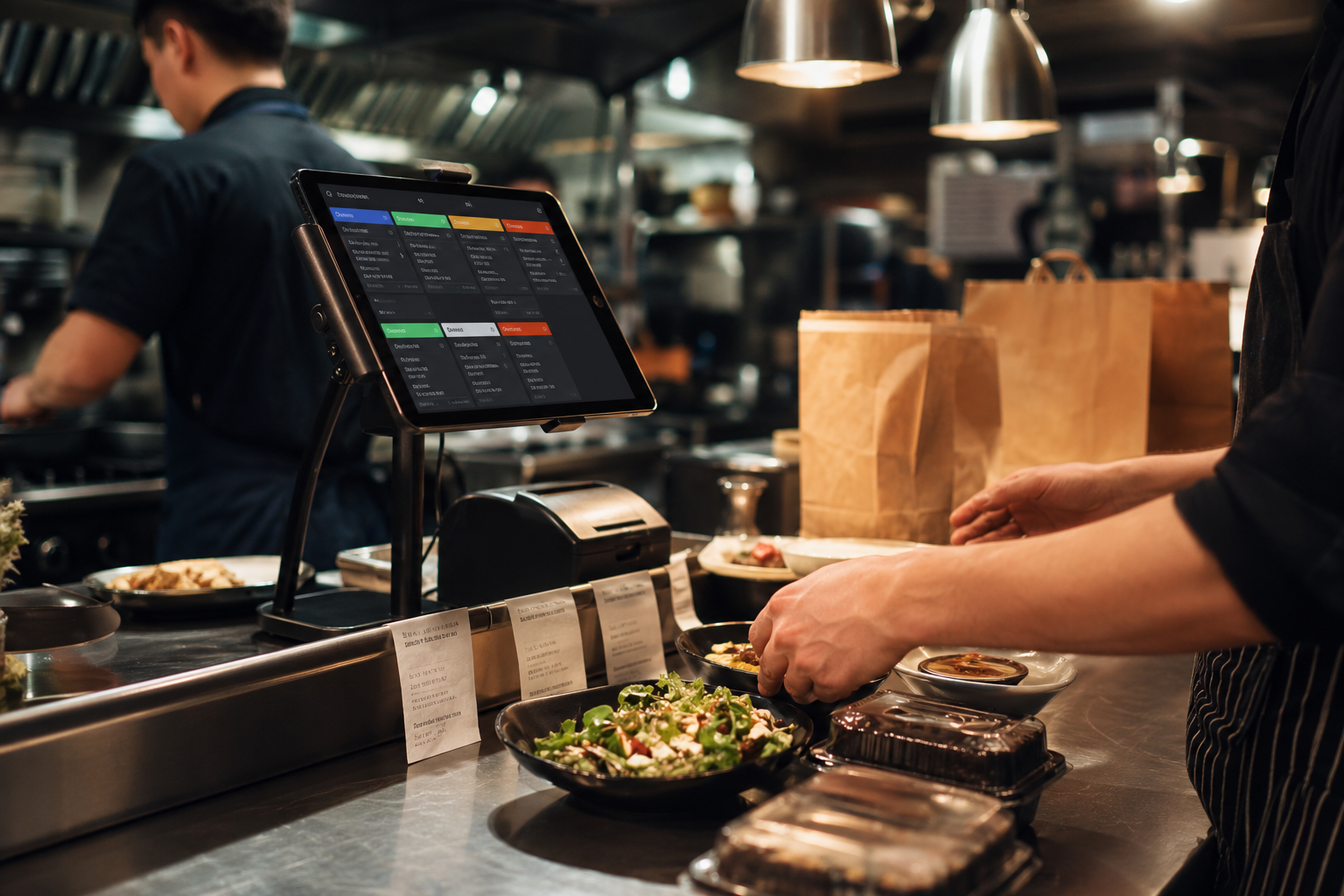
Give staff a single place to see and manage incoming pickup and delivery orders.
Change prices, photos, availability, categories, and sold-out items without waiting on a developer.
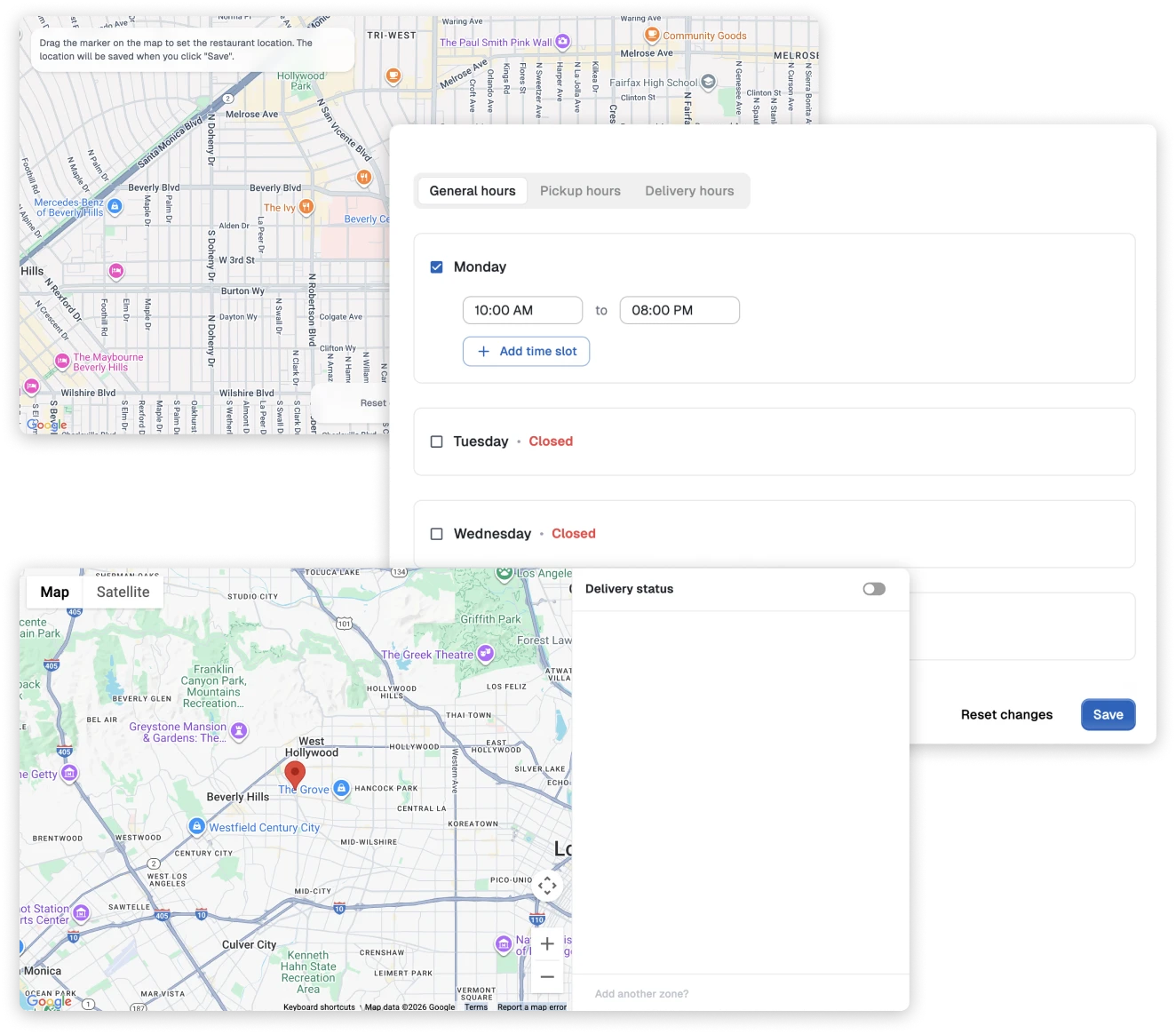
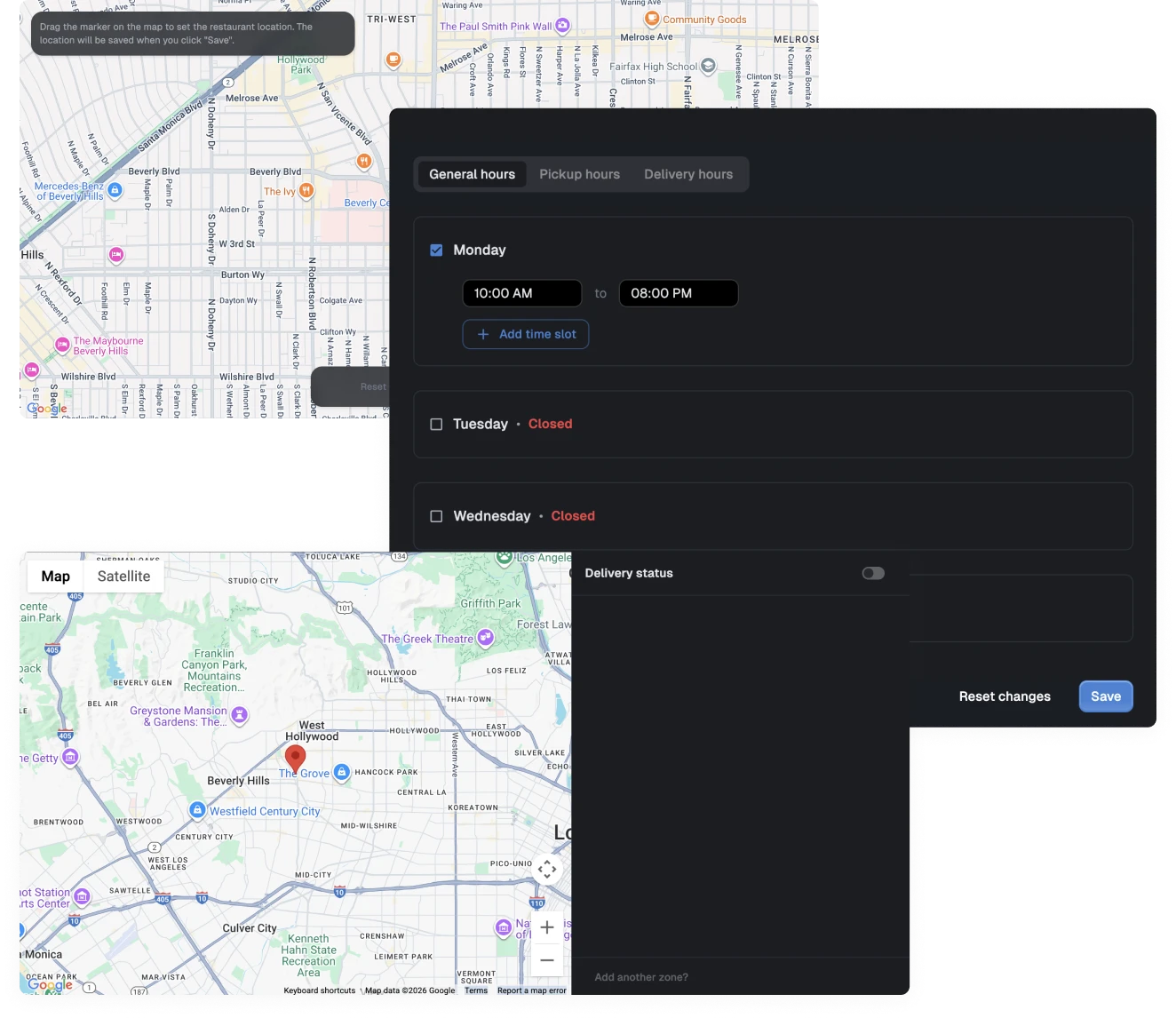
Configure hours, order timing, pickup options, and delivery settings around the way the restaurant runs.
Make ordering faster, clearer, and more consistent than asking customers to call during a rush.
Savorria is built around the operational details that decide whether online ordering feels easy for the team or becomes one more thing to babysit.
Update items, categories, photos, prices, and availability from the dashboard.
Set order timing, delivery availability, branch details, and customer-facing information.
Use roles and permissions so staff can focus on the parts of the workflow they own.
Match the ordering experience to the restaurant with colors, imagery, and a branded page.
Give customers a direct order destination that is easy to share and remember.
Connect payment settings so customers can pay before pickup or delivery.
See order activity and performance signals that help you make better service decisions.
Invite staff and assign roles so the right people can manage the right work.
Handle restaurant and customer data with a system built around careful access control.
Savorria does not need to replace your whole online presence. It gives every existing channel a cleaner place to send hungry customers.
Savorria is built so restaurant teams can set up online ordering without technical work. Add your restaurant, build the menu, set pickup and delivery rules, then share your order link.
Here is the basic setup:
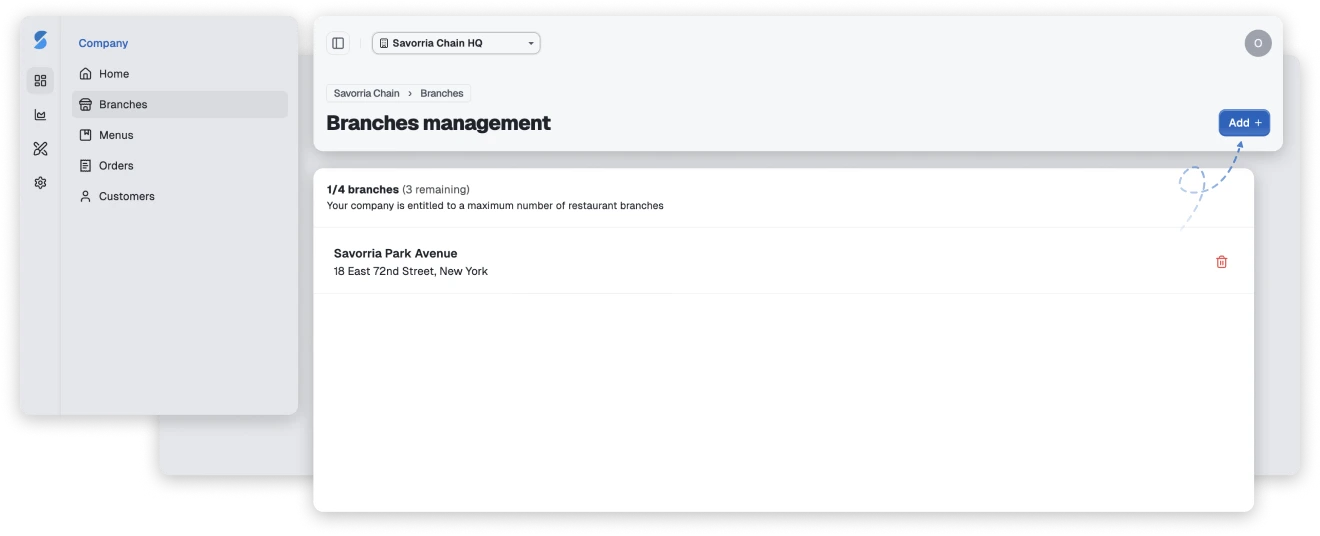
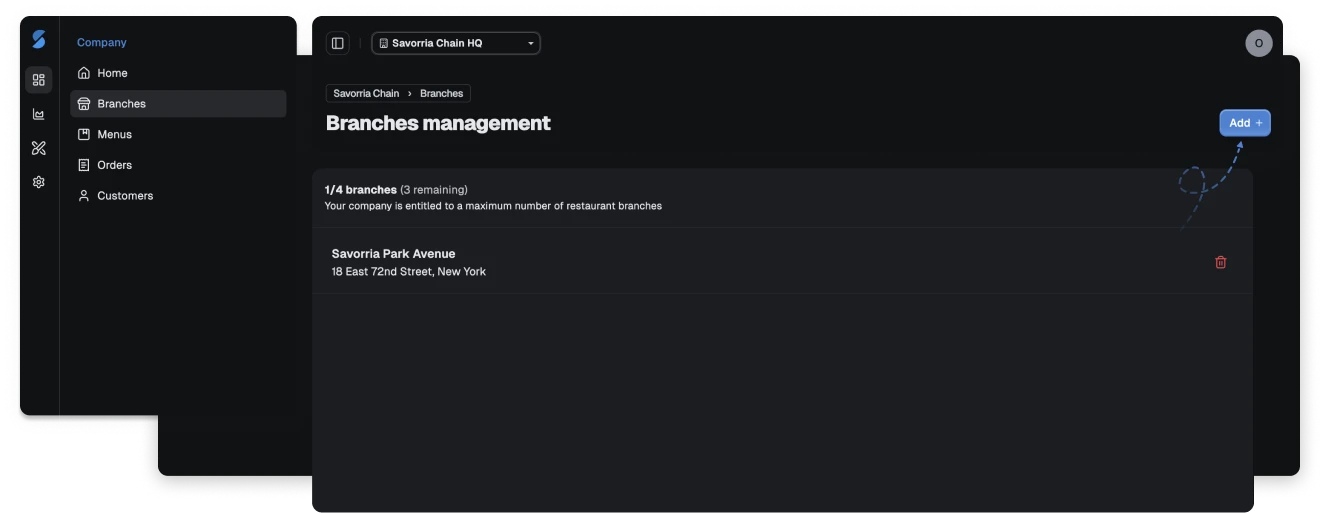
Add the restaurant branch from the admin dashboard with the address, currency, contact details, and core branch information customers need.
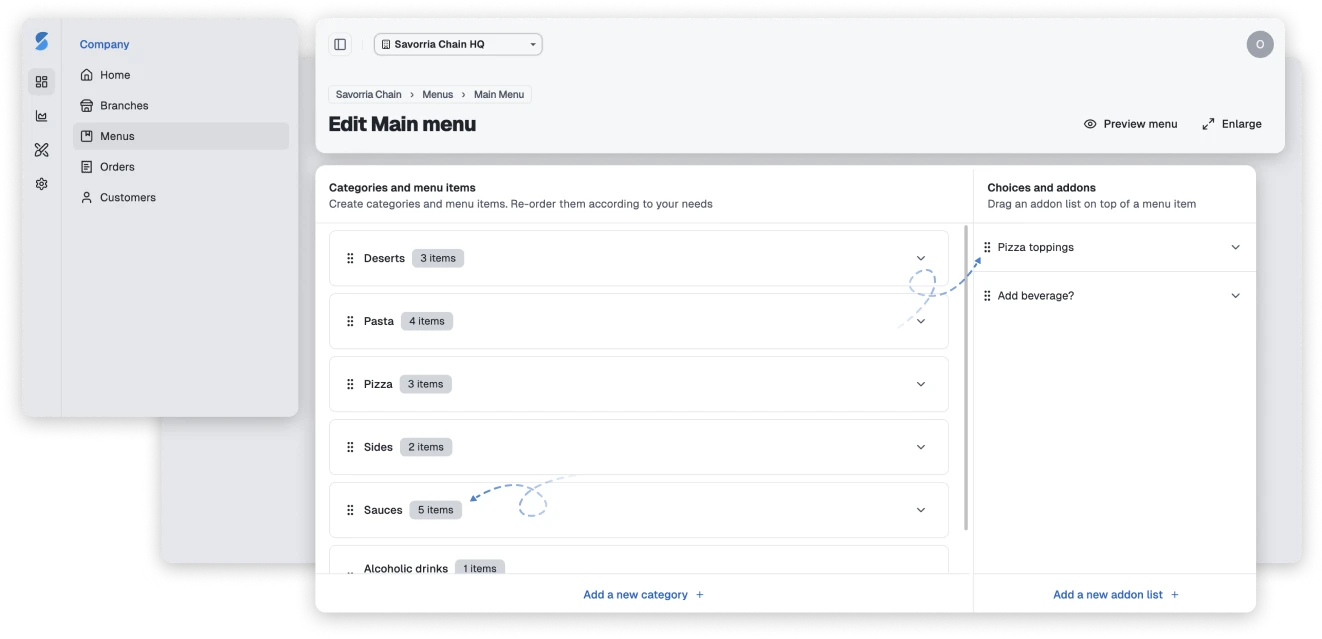
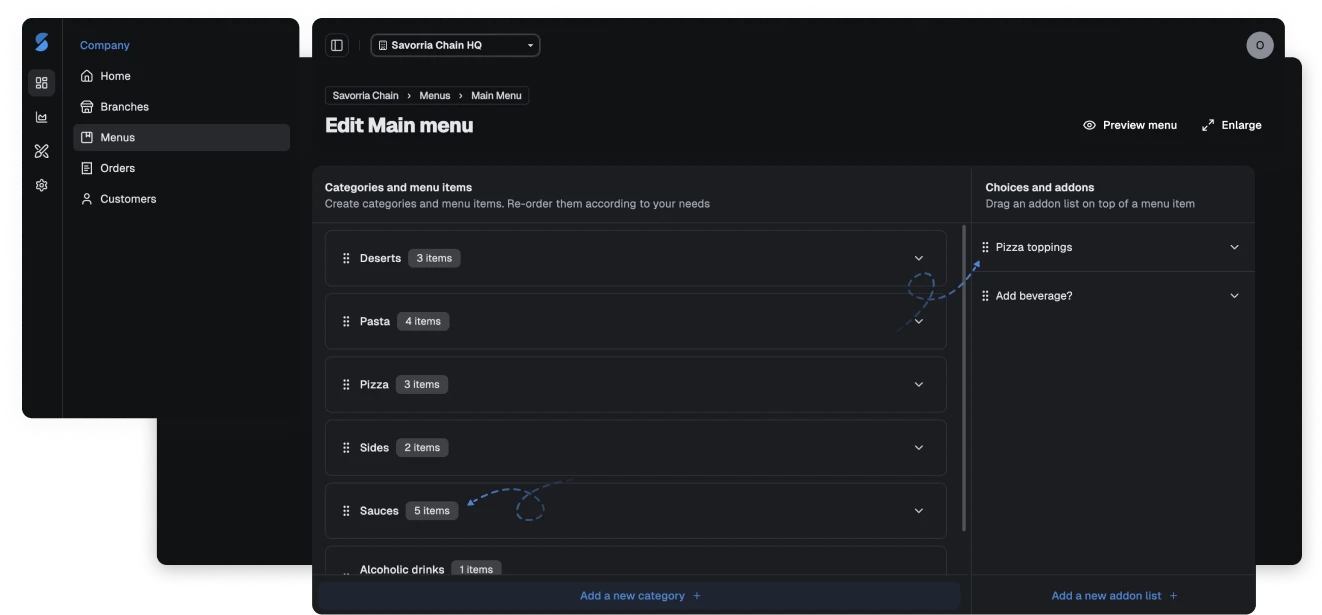
Use the menu editor to create categories, items, prices, photos, and availability rules without technical work.
With the menu editor, you can:
Set the operating details that shape the ordering experience, including service hours, branch rules, and order preferences.
Add the ordering button to your website, share the link from social profiles, or send it directly to customers so orders start flowing through your brand.
The practical details matter. These are the questions restaurant teams usually ask first.
Contact usShow us how your restaurant takes orders today. We will help you map the fastest path to a branded pickup and delivery workflow.
